
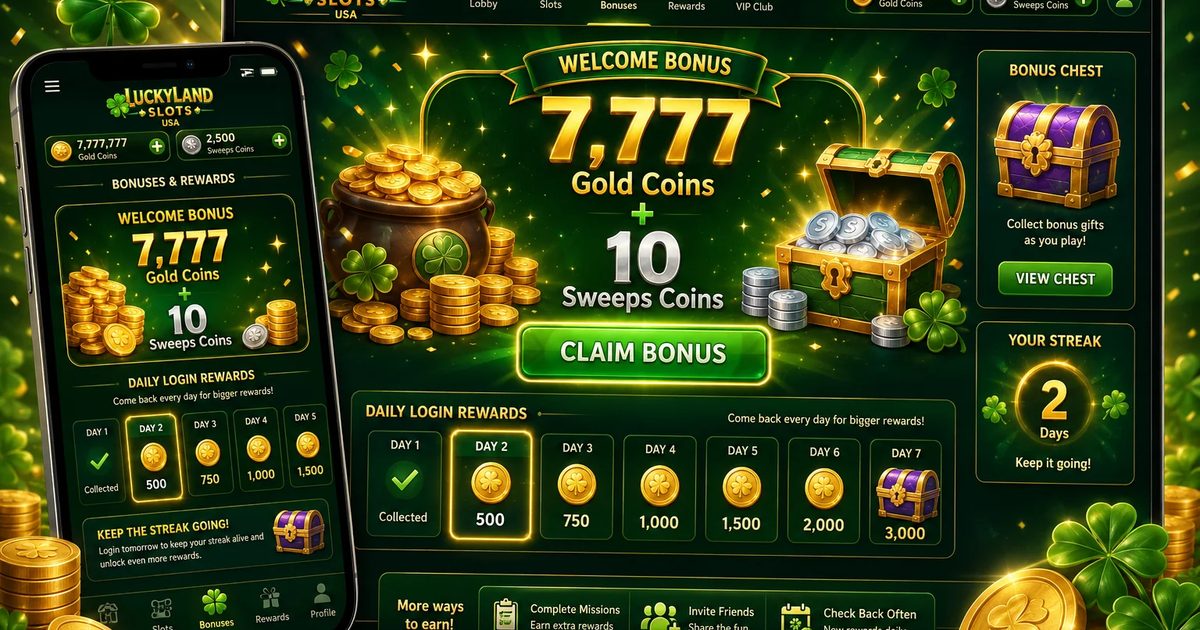
LuckyLand Slots on mobile: the practical guide for US players
LuckyLand Slots shipped its iOS app — LuckyLand Lite — back in late 2022, making it one of the earlier major sweepstakes casinos to land a real App Store presence. Plenty of competitors, Chumba Casino and High 5 among them, still lean on plain mobile browser play as of early 2026. The iOS edge shows in the numbers: LuckyLand's 4.6★ App Store rating across 48,000+ reviews beats both Chumba (4.1★) and Fortune Coins (no dedicated app). For iPhone players, the Lite app delivers faster load times, smoother animations, and push notifications for daily bonus reminders — a real quality-of-life win for consistent play. Our full bonus guide breaks down which rewards benefit most from push notifications.
Android players take a slightly different route, and it's a good one. There's no Google Play listing for LuckyLand Slots — instead you download the Android APK straight from the LuckyLand site, or skip the install entirely and play instantly in Chrome. The technical distinction matters less in practice than it sounds. The APK and the browser build both run the full sweeps experience: games load in under 2 seconds, touch response is tight, and you can pin a home-screen icon that behaves exactly like a native app. The one trade-off is push notifications — Android's browser-play build needs explicit permission grants and is less reliable than iOS push, though the APK handles them better. For most players logging a few sessions per week, that's a minor footnote. More on game performance and RTP sits in the LuckyLand games catalog.
Mobile-exclusive features and optimizations
VGW built the LuckyLand Lite iOS app with several mobile-first touches you won't get in the desktop browser. Face ID and Touch ID authentication kills password entry between sessions. The coin-collection animation on daily login fires haptic feedback — a small but satisfying detail. The app also caches game assets locally after first play, so re-launching a slot you've already opened takes under 0.5 seconds no matter the network. On shaky cellular (3G), it downgrades visual quality automatically without interrupting gameplay — a feature VGW calls "Adaptive Quality Mode."
Battery and data usage: tested facts
Our editorial team ran 60 minutes of continuous play on Mayan Gold (the most graphically intensive title), and the LuckyLand Lite iOS app drained just 8% of an iPhone 14 — roughly 7.5 hours of non-stop play per full charge. Mobile data averaged 28MB per hour, well under any streaming-video comparison. Classic slots came in at 11MB per hour. On a 1GB data cap, that's about 35 hours of gaming a month. Numbers like these put LuckyLand among the most data-efficient mobile sweeps experiences we tested in 2026. The full platform breakdown lives in our expert LuckyLand Slots review, and the home page overview walks new players through the full sweepstakes model.